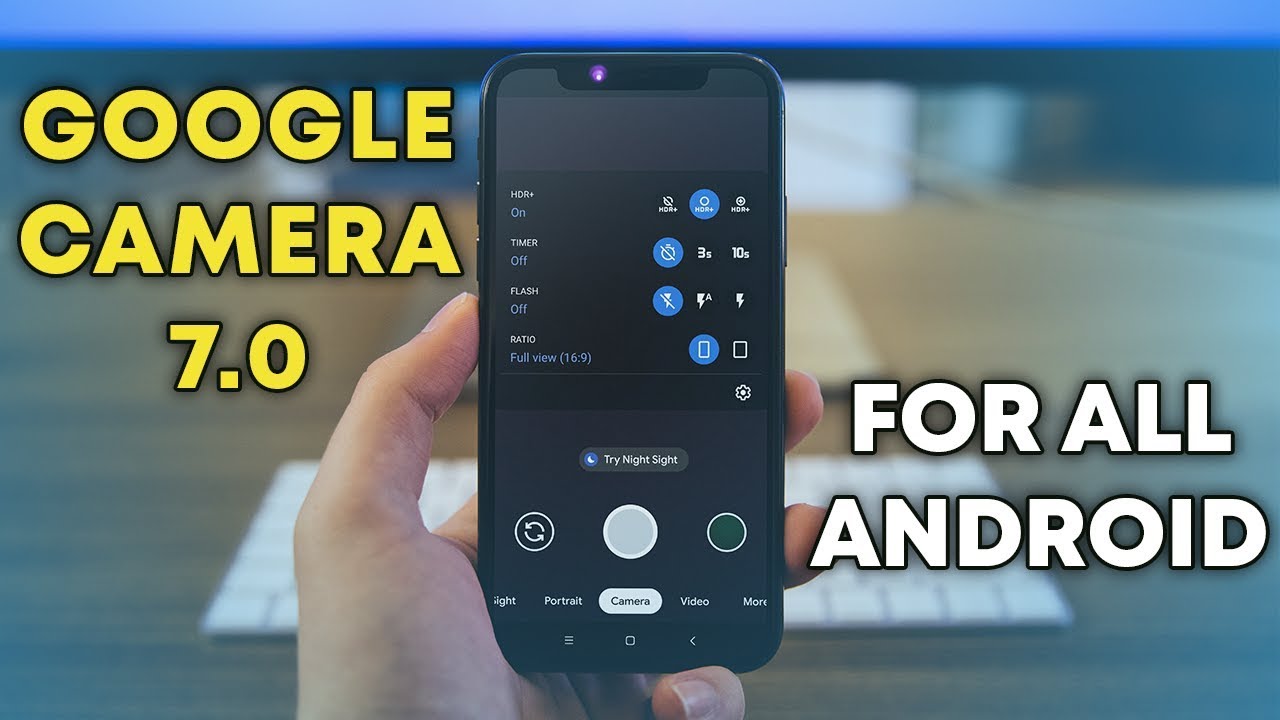
How to Install GCam(Google Camera) Mod on any android devices

if you are wondering how to install the GCam Mod on your Android Devices, then Go through the in-depth guide.
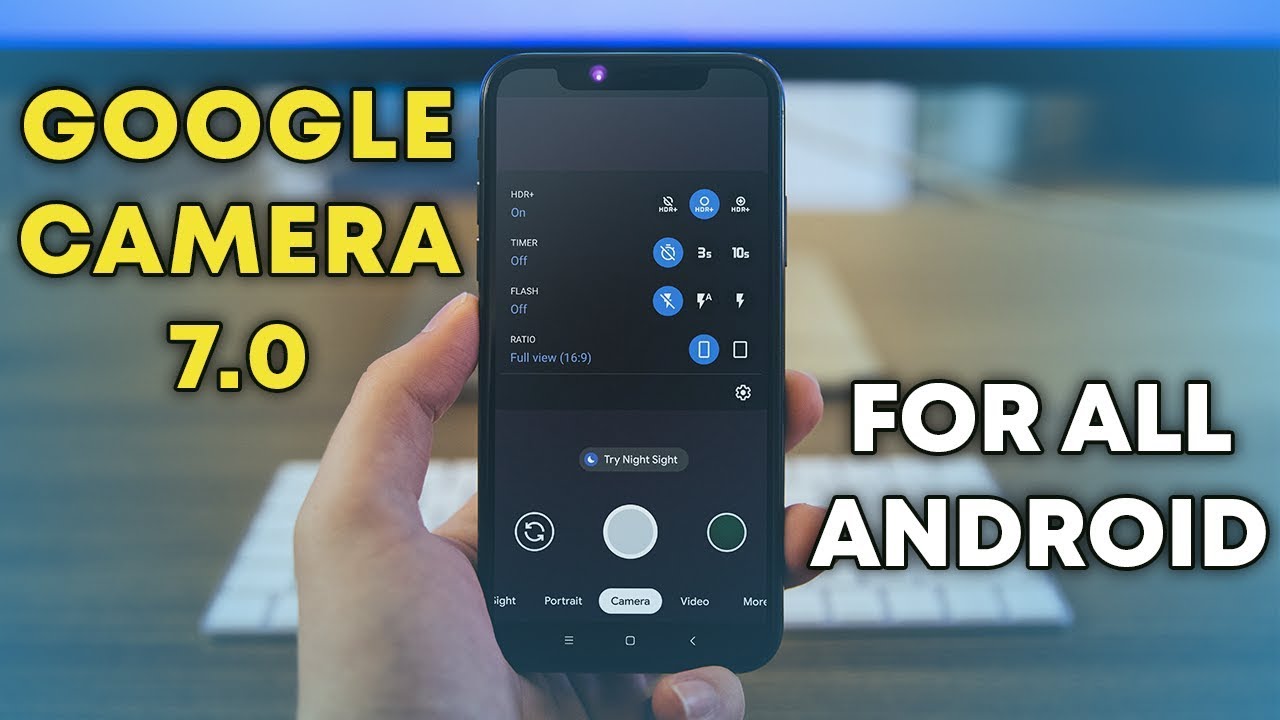
Install GCam photo

Pre-Requirments

Before you can install the GCam Mod on your Smart Phone, there is a couple of things you need to check:

1. Support for Camera 2 API
2. If Camera 2 API is not supported,
3. You need to enable it on your PhoneGCam Mod APK

These are the following list phones are Support Camera 2 API out of the box. If you want to Download GCam in your phone then click on the Download link.

LIST OF PHONE SUPPORT CAMERA 2 API

1. Realme

Realme 6 Pro(Download)
Realme 6(Download)
Realme X2(Download)
Realme X2 Pro(Download)
Realme X(Download)
Realme XT (Download)
Realme 5 Pro(Download)
Realme 5(Download)
Realme 3 Pro(Download)
Realme 3(Download)
Realme 2 Pro(Download Or Download )
Realme 1(Download)

2. Xiaomi

Redmi Note 9 Pro(Download)
Redmi 9 Pro Max(Download)
Redmi Note 4(Download or Download)
Redmi Note 5 Pro(Download)
Redmi Note 6 Pro(Download)
Redmi Note 7,7S,7Pro(Download)
Redmi Note 8 Pro(Download)
Redmi Note 8(Download)
Redmi 7(Download)
Redmi K20/Redmi K20 Pro (Download)
Redmi 8 (Download)
Mi A3 (Download)
Mi A2 (Download)
Mi A1 (Download)

Poco F1(Download)
Poco X2(Download)


3. Samsung

Samsung Galaxy A71(Download)
Samsung Galaxy S10 lite (Download)
Galaxy S9, S9+, S10+ ( Download)
GalaxyS8 (Download)
Galaxy Note 10,Note 10+ Exynos Variant (Download)
Galaxy Note 9 (Download)
Galaxy S10,S10+ (Download)
Galaxy Note 10, Note 10+ Snapdragon variant (Download)


4. Nokia 

Nokia 7.1(Download)
Nokia 7.2(Download)
Nokia 6.1 plus (Download)
Nokia 6.1(Download for pie, Download For Q )
Nokia 7 Plus (Download)
Nokia 8.1 (Download)
Nokia 7.2 (Download)
Other Nokia Devices (Download)

5. Asus

ZenFone Max Pro M1(Download)
ZenFone Max Pro M2 (Download)
Asus 6,6Z (Download)
Asus Zenfone 5Z (Download)


6. OnePlus

OnePlus 3 (Download)
OnePlus 5,5T (Download)
OnePlus 6,6T (Download)
OnePlus 7,7Pro,7T,7TPro (Download)

7. Motorola

Moto One Power (Download)
Moto One Action (Download)
Moto G5 Plus, G5s Plus (Download)

if you will face any issue or download issue, then feel free to comment I will glad to help you😉😉.

Don’t use Chinese App || 5 Chinese apps you have to uninstall right Now || 5 Alternative App that you can replace with Chinese App

Many experts claim that Chinese apps collect user data and even some personally identifiable information.

The recent news about MI browser Collecting data from that incognito mode. And most popular app TikTok has been accused of sending draft videos to china servers.

So Before used any App just verify that the app is the chines app or not. To verification download “Remove China App” form your play store.

Best Alternative Alternative App for Chinese App

1. Triller: (Alternative to TikTok / Likee / Kwai)

You can use Triller app as a replacement for TikTok. It is just like TikTok. And if you loved Duet on TikTok then you have group Videos On trailer Where you can collaborate with anyone on the internet.

2. Google Chrome: Alternative of UC Browser

UC browser is also the most popular web browser across India and China, but it had many security and privacy issues past few years. The UC browser was banned in 2015 for the privacy issue, not the team of UC  saying that now they fixed the issue. But I recommend you to not use UC browser if UC in your phone then Uninstall immediately. 

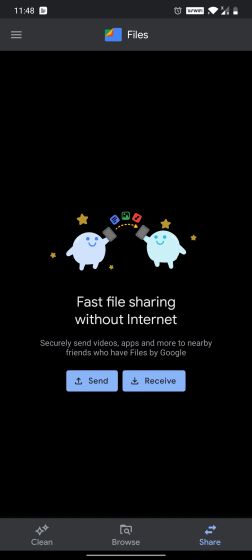
3. File By Google: Alternative of SHAREit, Xender

SHAREit and Xender known as file transferring app but it is a Chinese app, there may be a loophole

in that app and sending your personal info to the Chinese server. 

instead of Xender and SHAREit you can use “Google File”: you can download from Play store.


4. Adobe Scan: Alternative of CamScanner

You can get all features in Adobe Scan. Just Used the Adobe Scan. It was removed from the play store because it had a trojan horse. 

So Download Adobe Scan from Play store right now and secure your data.

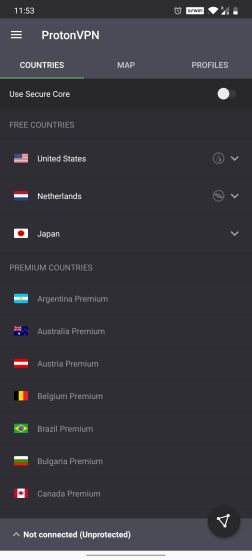
5. Proton VPN: Alternative of TurboVPN 

Turbo VPN is a free VPN app that has quickly get popularity because of no speed restriction and no data limit. It has also privacy policy issues like other Chinese apps. 

i recommend you that install Proton VPN as the alternative of TurboVPN or other free VPN.

Convert Your Normal Tv into Smart Android Tv

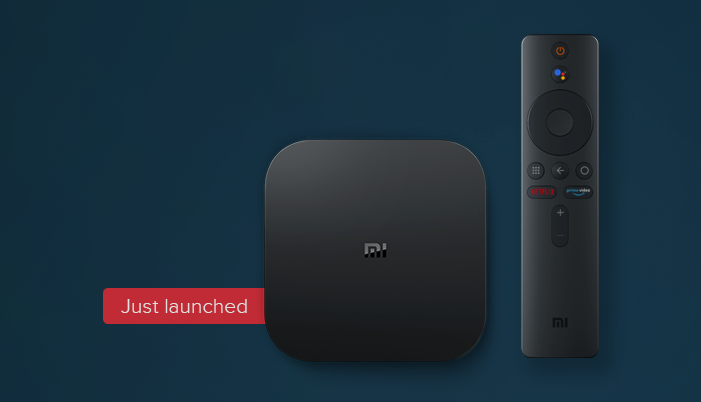
Xiaomi India recently launched a brand new set up box for normal tv that box is called Mi Box 4K. Now User can convert their Normal Tv into Smart Android Tv. In Mi Box 4K support all type of Tv. After using this Mi Box 4K you can enjoy Ultra HD Content from your normal tv. The Box supports all of the digital Streaming Applications. The mi box has  2.0 GHz Quad-core 64 bit processor along with Android 9.0 out of the box. The Mi Box also supports 2.4GHz/5GHz Wifi along with Bluetooth 4.2. Unlike mi tv, the Mi Box does not have patch farewell OS. In the Box, you would get mi Box, one remote, and an HDMI cable. The MI-BOX price is about 3499 rupees. Just invest 3499 and convert your Normal Tv to a Smart android Tv.

Key Feature of Mi Box:

  • CPU: Cortex-A53 2.0 GHz Quad-core 64 bit
  • GPU: Mali-450 750MHZ
  • RAM: 2GB DDR3
  • ROM: 8GB 
  • OS: 9.0 pie 
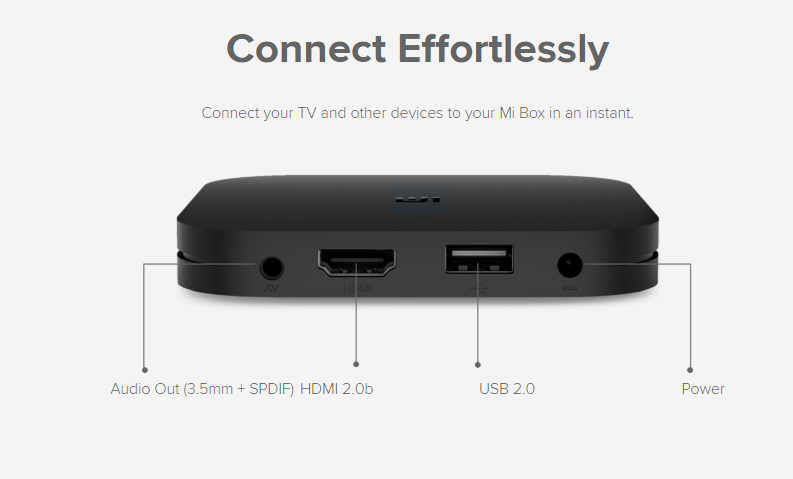
  • USB 2.0
  • Wifi 2.4/5 GHz
  • Bluetooth 4.2
  • Chromecast Ultra
  • Dolby Audio with DTS 2.0
  • Google assistant

The Mi box Support a lot of content as well as Amazon Prime, Netflix out of the Box. although the Mi Box’s remote has dedicated Netflix button and Amazon Prime button that means you can enjoy Netflix and Amazon prime just one click.

You can also Enjoy All type of Android Game and play the game without any legginess. Because of Mali 450 GPU is a powerful GPU and it can play smoothly to your game.

The Box itself has 3.5 mm Audio Output Jack that means you can connect your Speaker Directly from your Box itself.

MiUI 12- Upgrade your device

MIUI 12

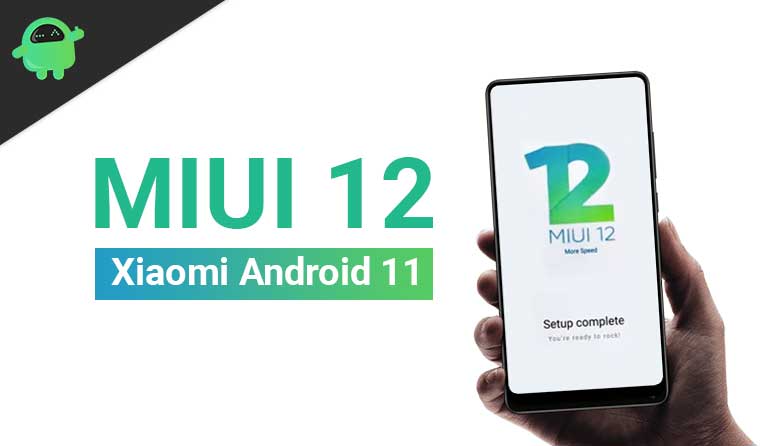
Xiaomi has been announced its next-gen software skin, MIUI 12. it is based on Android 10 and brings a ton of new features including a new UI, dark mode 2.0, enhanced privacy, and fitness features, and many more other things.


Here is the list for upcoming MIUI 12 update phones. The update may happen in three-phase/batch. The first batch may start in End of June, the Second batch will release in August and the third batch will release September.


List of Phones to get MIUI 12 Update

Third Batch

  • MI 10
  • Mi 10 Pro
  • Mi 9 Pro
  • Mi 9
  • Redmi K20 pro
  • Redmi K20

Second Batch

  • Mi Mix 3
  • Mi Mix 2s
  • Redmi Note 9
  • Redmi note 9 Pro
  • Redmi Note 8
  • Redmi Note 8 pro
  • Redmi Note 7
  • Redmi Note 7 pro 

Third Batch

  • Mi mix 2
  • Redmi 7
  • Redmi Note 6 pro
  • Redmi Note 6
  • Redmi 6
  • Redmi 6A
  • Redmi Note 5 Pro
  • Redmi Note 5
  • Redmi 5
  • Redmi 5A

We can expect Xiaomi to lunch MIUI 12 Globally soon. The rollout may be delayed due to the COVID-19 pandemic, so we’ll just have to wait for more information.

Design a site like this with WordPress.com
Get started